- calendar_today August 18, 2025
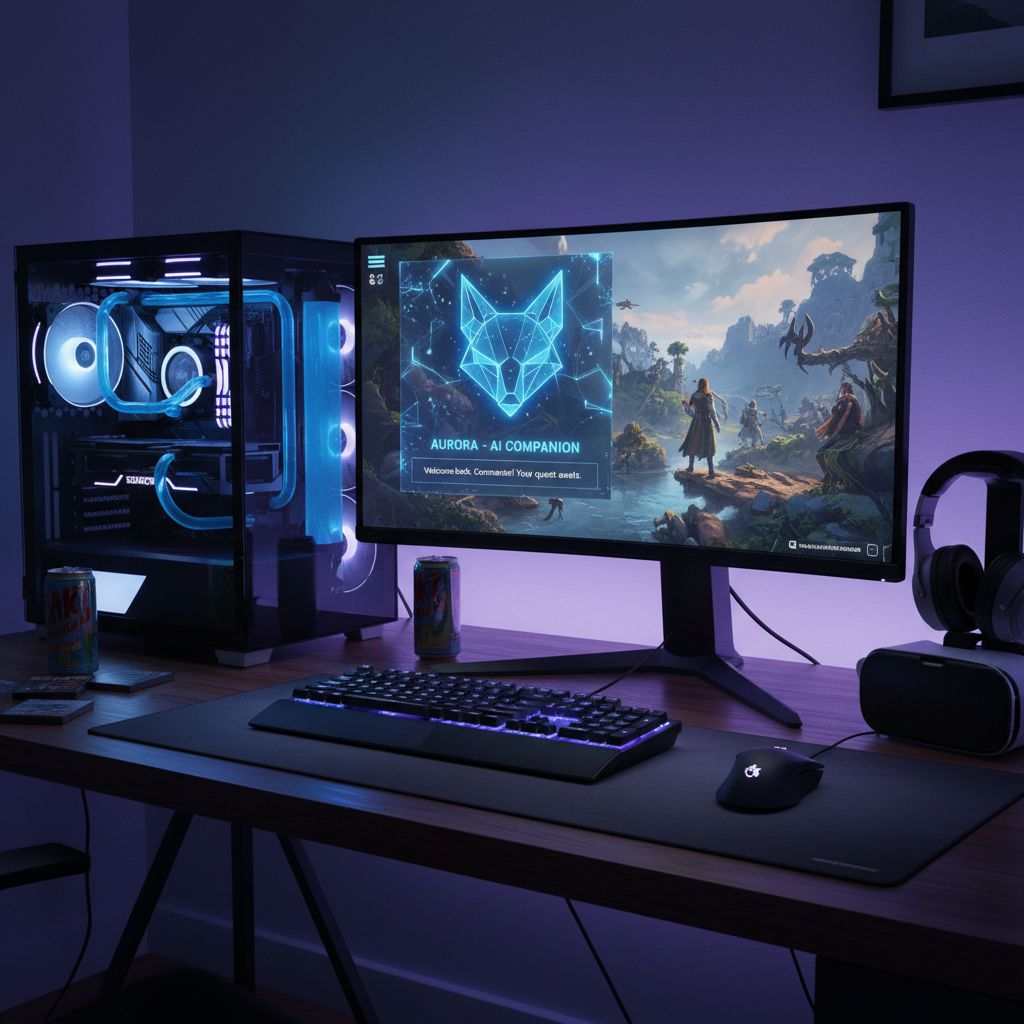
The leading graphics technology company, Nvidia, has begun examining artificial intelligence possibilities to revolutionize gaming experiences. Nvidia has launched G-Assist AI as an experimental tool to optimize PCs through local operation while enhancing gameplay using innovative methods alongside their well-known GPUs that deliver stunning visuals.
The Nvidia desktop application offers this technology as an on-screen overlay that enables users to command an AI assistant through text and voice to do more than monitor systems, which might revolutionize gamer interaction with their equipment. G-Assist introduces a range of intriguing capabilities. The G-Assist AI can answer broad inquiries, including questions like “How does DLSS Frame Generation work?” and receive informative responses.
The AI possesses the ability to manage particular system-level settings. Gamers can activate G-Assist for immediate operational analysis of their system, which includes dynamic data chart generation. Users can teach the AI to modify system parameters for specific games and to switch on or off various features. G-Assist enables GPU overclocking for users who want to maximize performance and provides projections of expected performance improvements.
The initial public release shows potential but doesn’t match the deeper integration found in last year’s demonstrations of in-game assistance by G-Assist. Only a limited number of games currently benefit from this integration level, which includes Ark: Survival Evolved as one example. Through third-party plug-in support, Nvidia expanded G-Assist functionality to enable communication between the software and peripherals from Logitech G, Corsair, MSI, and Nanoleaf for features like thermal profile adjustment and LED synchronization.
As “AI laptops” become more prevalent in the PC market, Nvidia focuses on the AI performance of desktop systems with specialty GPUs. Nvidia’s G-Assist runs locally on the user’s GeForce RTX graphics card, which sets it apart from many AI tools that require cloud operation. According to Nvidia, G-Assist operates using a small language model that has been optimized for running on local hardware.
The basic text installation uses 3GB of storage, while the voice control feature needs an additional 3.5GB, resulting in a combined total of 6.5 GB. For G-Assist to function properly, you need a GeForce RTX 30, 40, or 50 series GPU that has a minimum VRAM capacity of 12 GB. Performance levels adjust according to GPU capabilities while future support for laptop GPUs remains under consideration.
Running G-Assist on the local GPU can deliver improved privacy and lower latency, yet introduces various operational hurdles. Tests with an RTX 4070 indicated that GPU usage increased when users interacted with G-Assist. Running inference requires a lot of processing power, which can interfere with other activities, especially gaming tasks. Frame rates experienced an approximate 20% decrease during G-Assist processing while playing Baldur’s Gate 3 at maximum settings.
Gaming systems that are challenged to achieve smooth performance might experience worsened performance issues from G-Assist. G-Assist runs more efficiently in non-intensive gaming situations but requires a strong GPU for sustained usage.
G-Assist demonstrates its experimental stage through instances of performance slowdowns and technical faults. Most users find that manually configuring system and game settings provides better results. Through G-Assist, developers demonstrate an innovative advance in harnessing gaming PCs’ AI processing capabilities.
The simultaneous operation of demanding games and advanced AI models becomes increasingly feasible as GPU technology progresses. Nvidia’s G-Assist showcases an intriguing yet imperfect preview of future AI-powered gaming, which points towards GPUs providing more interactive and intelligent support for users.